
Temple NextRequest Record Portal
Temple uses a dedicated NextRequest public-record portal for police and other city records. Describe the existing file, select the department, and provide a way for staff to clarify the request. Attachments can help when they identify an event without exposing unneeded private data. The portal also lets a requester track submissions and search material the city has already released.
The city says an email address reduces delay because updates and questions can arrive through the system. It also warns that submissions are public. Do not enter a Social Security number, birth date, plate number, or driver’s-license number in the public request text. A report number, approximate time, location, and record category often give staff safer ways to find the file.
The official Temple records FAQ displays these privacy and timing rules.
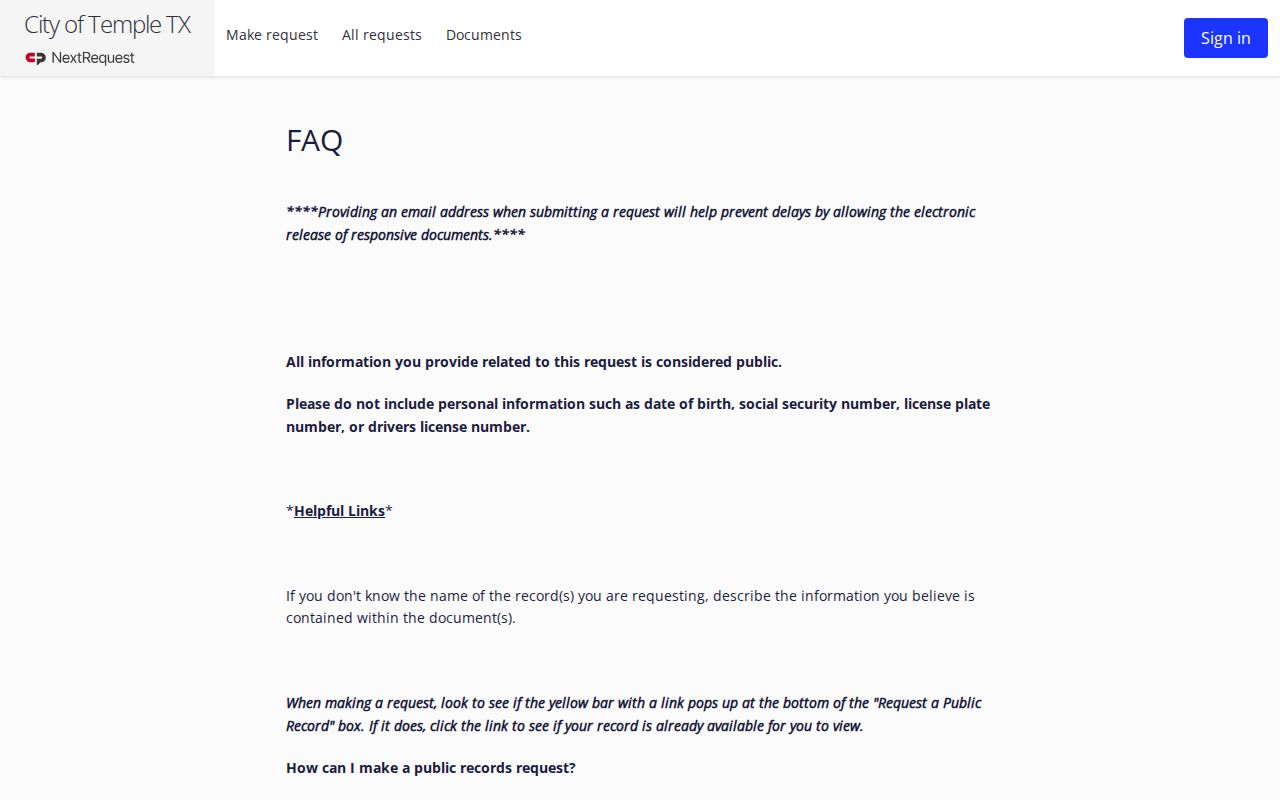
The captured FAQ makes clear that request text can become public and should contain only the locator facts the city needs.
Checking Criminal History in Temple
First identify the layer. A Temple Police report recounts what the agency recorded about an event. A Municipal Court file concerns a city Class C or ordinance case. Bell County jail data covers intake and custody, while county and district clerks maintain higher-level prosecutions. TxDPS then provides a separate statewide criminal-history product based on records submitted by Texas justice agencies.
- Search already-released city records, then submit a focused Temple Police request if the report is not there.
- Use the report number, event time, location, and record type while omitting needless sensitive data.
- Check Temple Municipal Court for a city citation, fine-only case, or related disposition.
- Move to Bell County booking and the proper clerk for a custodial arrest or higher charge.
- Use TxDPS for statewide conviction and deferred-adjudication data or fingerprint-based review of your own record.
No one search proves that no Temple record exists. A different police agency, delayed filing, archive status, or disclosure restriction may account for an empty result. The creating agency and correct clerk remain the best fallbacks.
Temple Released Police Reports
Before opening a duplicate request, search the portal’s published-document library. A released document page can show its title and description, folder, document date, upload date, linked request number, and navigation back to the library. Suggestions may also appear while a person drafts a new request. Reuse of an existing public release can save both the requester and city staff time.
One official Temple published-document example shows that responsive incident material can appear through NextRequest.
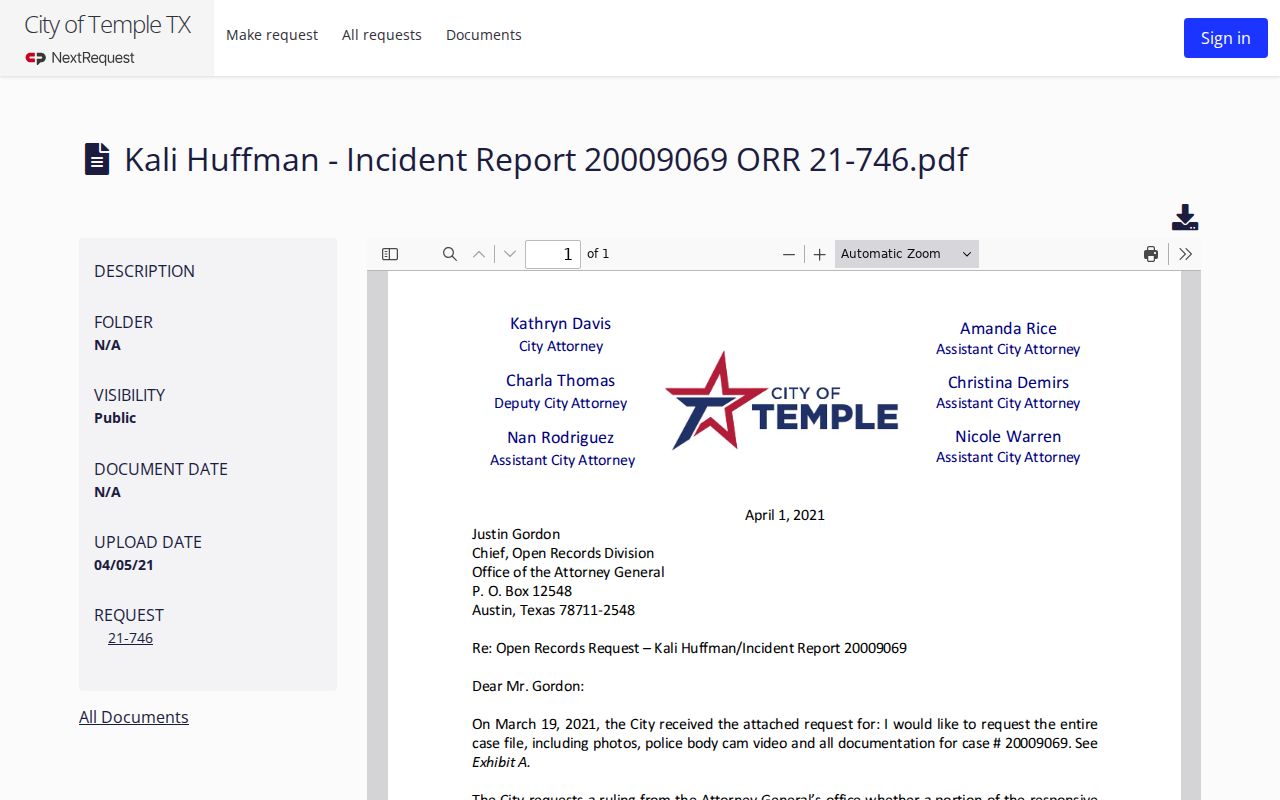
The sample demonstrates the library layout, but it does not mean every Temple report is public, complete, unredacted, or posted automatically.
A calls-for-service entry is also not a criminal court case. Dispatch data may show that a call occurred without establishing an arrest, charge, or conviction. Request the narrative from its creator and locate any prosecution through the court custodian.
Published records can be useful for learning how Temple labels a record and what redaction looks like. They should not become a name-based shortcut. Search by a known request or document topic when possible, read the publication date, and confirm that the file concerns the right event. If the released copy does not answer the request, cite its linked request number in a focused follow-up rather than submitting a broad duplicate.
Temple Police Department Records
Temple Police keeps reports created by its officers, including incident and arrest narratives subject to the Public Information Act. The city request portal is the documented access route. Staff may seek clarification, estimate charges, redact protected material, or ask the Texas Attorney General for a decision when an exception is asserted. Temple’s statement that it will contact a requester within ten business days is not a guarantee of final production within ten days.
The Temple Police Department page provides the official department gateway.
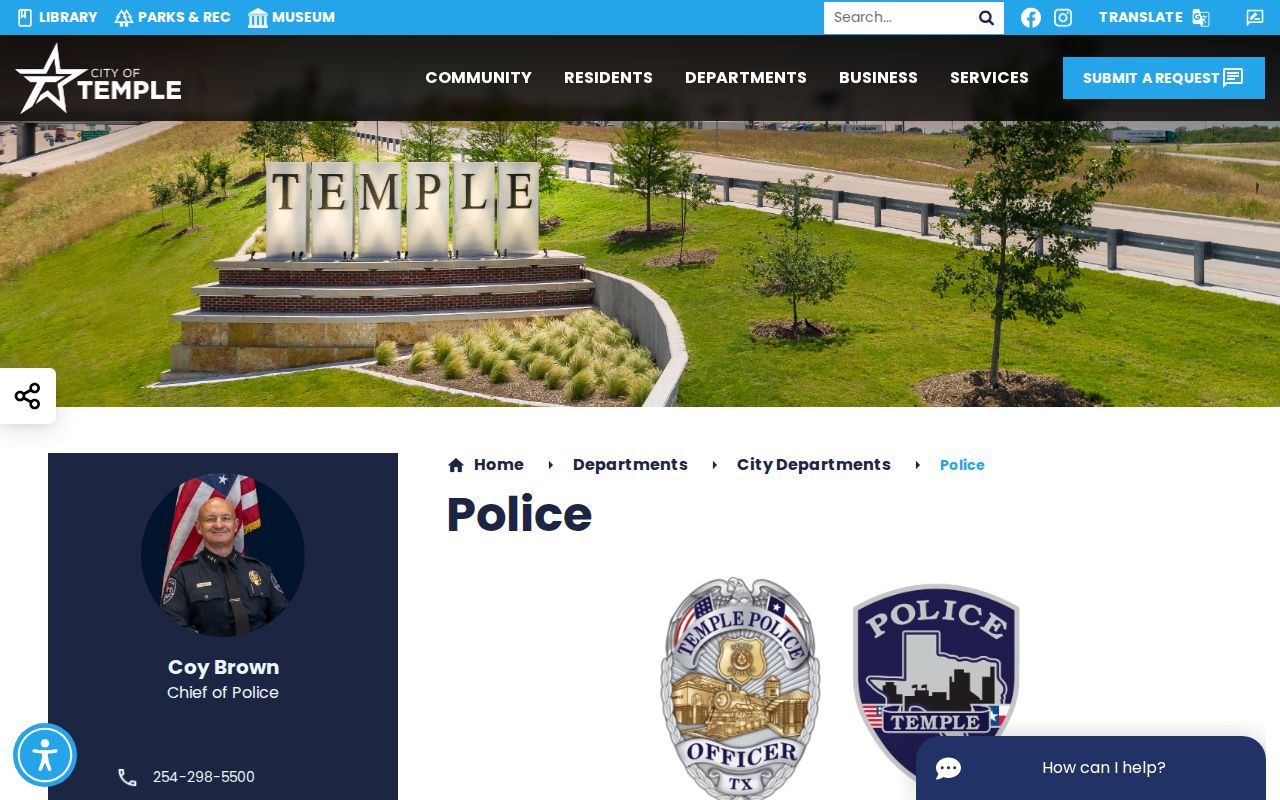
This department view is the proper source for current contacts rather than an address or hours copied from an old directory.
Temple’s rail and medical-corridor setting can produce records from Temple Police, TxDPS, or another agency. Read the agency name on the citation or report paperwork. City staff cannot release an investigative record made by a state trooper or neighboring department.
A complete request should also distinguish a report from video, photographs, dispatch audio, or another item tied to the same event. Those are separate existing records and may face different review or redaction issues. State the format needed and ask for electronic delivery when practical. If Temple seeks clarification, answer through the portal promptly. The ten-business-day contact statement concerns communication with the requester, not a fixed deadline for production, Attorney General review, or delivery.
Temple Crash Report Channels
Crash reports have their own access path. Temple’s FAQ says a CR-3 report is normally available after seven to ten days through the TxDOT CRIS purchase system, with immediate delivery when the report is available. Temple also states that its records portal sells a crash report for $6. That fee is specific to this city process and should not be copied to other Bell County cities.
| Channel | Use | Documented detail |
|---|---|---|
| Temple records portal | City-held CR-3 request | $6 stated city charge |
| TxDOT CRIS | State crash purchase system | Immediate delivery when available |
| Temple Police request | Other police material tied to the event | Describe the precise record sought |
Keep the crash date, location, involved party, or report identifier ready as permitted by the purchase system. A crash report remains an agency record, not proof of a criminal conviction.
Temple Arrests and Bookings
A custodial Temple Police arrest usually leads to Bell County jail intake. Temple retains the investigative narrative and probable-cause material it created. County detention staff create the booking identifier, fingerprints, intake time, received charge, bond entries, current custody, and release data. These two sources can update on different schedules and answer different questions.
The official county inmate inquiry is the place to check current or recent booking status. Magistration can follow through a Bell County justice of the peace. If prosecutors file a Class A or B misdemeanor, the County Clerk maintains the County Court at Law case. A felony belongs with the District Clerk. Fine-only Temple matters stay with the city court.
Do not equate intake with outcome. A Temple booking charge may be amended, declined, dismissed, or resolved under another charge in court.
The Bell County arrest lookup covers the full booking channel without replacing the Temple Police report request.
Municipal Court Records in Temple
Temple Municipal Court hears fine-only violations arising within Temple, including traffic, ordinance, and other Class C matters. City online services may provide a citation or case search and payment control. Payment is not a general criminal-history search, and it does not replace a conversation with the clerk about record copies, disposition, or available case action.
| Court Name | Temple Municipal Court |
|---|---|
| Case Types Heard | Fine-only Class C, traffic, and city ordinance matters |
| Case Lookup | City online court services, with phone or counter fallback |
| Best Identifier | Citation or case number paired with defendant name |
| Boundary | Class A or B cases go to Bell County Courts at Law; felonies go to district court |
Use the official City of Temple site to reach current court services and contacts.

The city gateway should be checked before travel because judge assignments, counter locations, and hours can change.
Temple Request Timing Explained
Temple’s records FAQ says the city will contact a requester within ten business days. That contact may deliver records, ask for clarification, give a cost estimate, explain redactions, or address a needed Attorney General review. It is not a blanket production deadline. Watch the portal and email for messages, answer a narrow clarification promptly, and keep the request number. The document’s size, sensitivity, and legal review needs can affect when the responsive Temple record is delivered.
Missing Temple Record Fallbacks
If a Temple item is absent online, work outward from the creator. Ask Temple Police for a city incident. Contact Municipal Court for a Class C file. Use the Bell County Sheriff roster or records request for county booking material, the County Clerk for County Court at Law misdemeanors, and the District Clerk for felony prosecutions. Search the Bell County Odyssey index for a known case number or a carefully formatted name.
For statewide Texas conviction and deferred-adjudication data, use the TxDPS public site. Its name search is not fingerprint identification and does not reproduce every Temple report. A person reviewing their own full Texas history can follow DPS’s FAST/IdentoGO fingerprint process. Federal cases and custody require their federal custodians.
The Odyssey court index is another locator, not a police-report store. Search a known cause number first. If only a name is available, compare the court, filed date, case type, status, and charge before assuming a match. Obtain the judgment or order from the County Clerk or District Clerk when the final disposition matters. A case summary may omit images or restrict documents even while the index remains public.
Note: A portal no-match can reflect scope or timing, so confirm with the office that created the Temple record.
Where Temple Records Go
Temple’s record stream changes hands as a case develops. Police record the event and arrest. Bell County books a custodial arrestee and a magistrate addresses initial warnings and bond. A prosecutor decides what to file. The correct clerk records the plea, hearings, judgment, and sentence. Reportable events and dispositions then feed the state repository.
Record flow: Temple Police Department › Bell County jail and courts › Texas Department of Public Safety
The newest facts may be at Temple Police before a case appears online. Jail status can precede formal charging. The court file is the better source for final outcome. DPS can provide a statewide view, but reporting gaps and name-match uncertainty mean the originating office still matters.
Temple Crime Data Context
Temple’s request portal is not a crime dashboard. A count of requests, documents, or released incident reports cannot be treated as an offense count. Use Texas DPS Crime in Texas for agency-year tables and verify Temple Police coverage through the FBI Crime Data Explorer.
Label each figure with “Temple Police Department,” the reporting year, offense category, and coverage. Highway activity recorded by TxDPS and county activity recorded by the sheriff are not Temple Police statistics. This agency-level discipline keeps comparisons accurate in a city crossed by a major interstate.
Public Access Rules in Temple
The Texas Public Information Act governs Temple’s executive-agency records, with exceptions for active investigative material and confidential details. Court case files follow court law and clerk procedures rather than the Act in the same manner. Juvenile information, victim and minor identifiers, expunged files, nondisclosed criminal history, and other protected data may be withheld or redacted.
Key Statutes:
Texas Government Code Chapter 552 sets the Public Information Act rules and law-enforcement exceptions.
Texas Government Code Chapter 411 governs criminal-history disclosure and nondisclosure.
Texas Code of Criminal Procedure Chapter 55A controls expunction for qualifying records.
Request an existing record, not an explanation or a newly created report. Temple can ask for clarification and may charge lawful production costs even though submitting the initial online request has no fee.